Free theme for Open Journal Systems
A modern scholarly journal, no coding required
Paideia Theme is a theme for OJS 3.4 and 3.5 with the article page of indexed journals, HTML full text inside the page, continuous publication, an indexing block and metadata for search engines. It installs like any plugin and is configured from the OJS dashboard.
- OJS 3.4 · 3.5
- GPL v3 license
- Spanish, English, Portuguese and Indonesian
- Dark mode and mobile
Features
What readers and indexers expect
Paideia builds on the OJS Default theme and redesigns the pages that matter most. Everything can be switched on or off in the theme options.
Article page
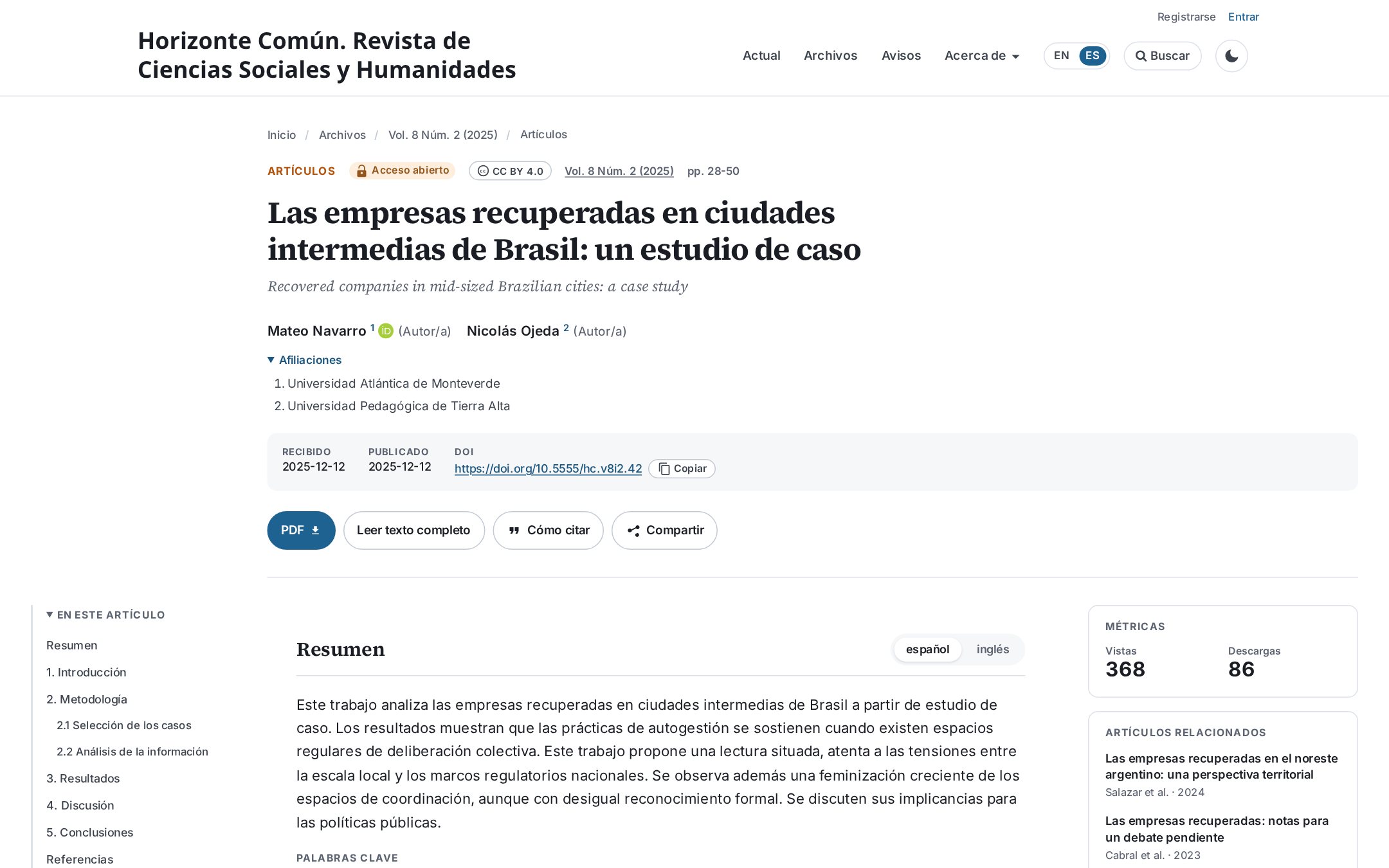
Section, open access, license, authors with ORCID and affiliations, dates, copyable DOI, abstracts per language, side table of contents and metrics panel.
HTML full text
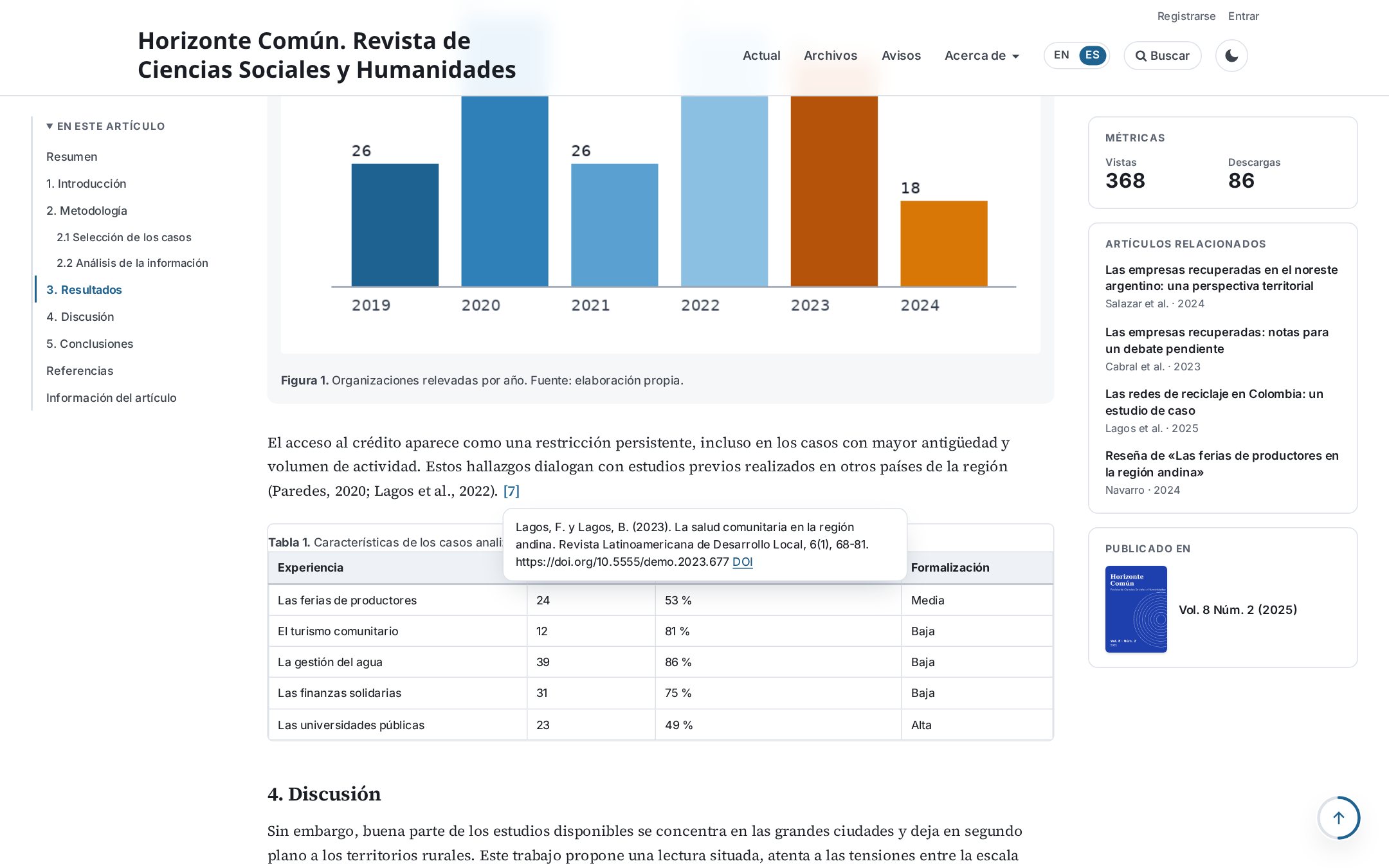
The HTML galley is read inside the page, with zoomable figures, scrollable tables and reference previews.
How to cite
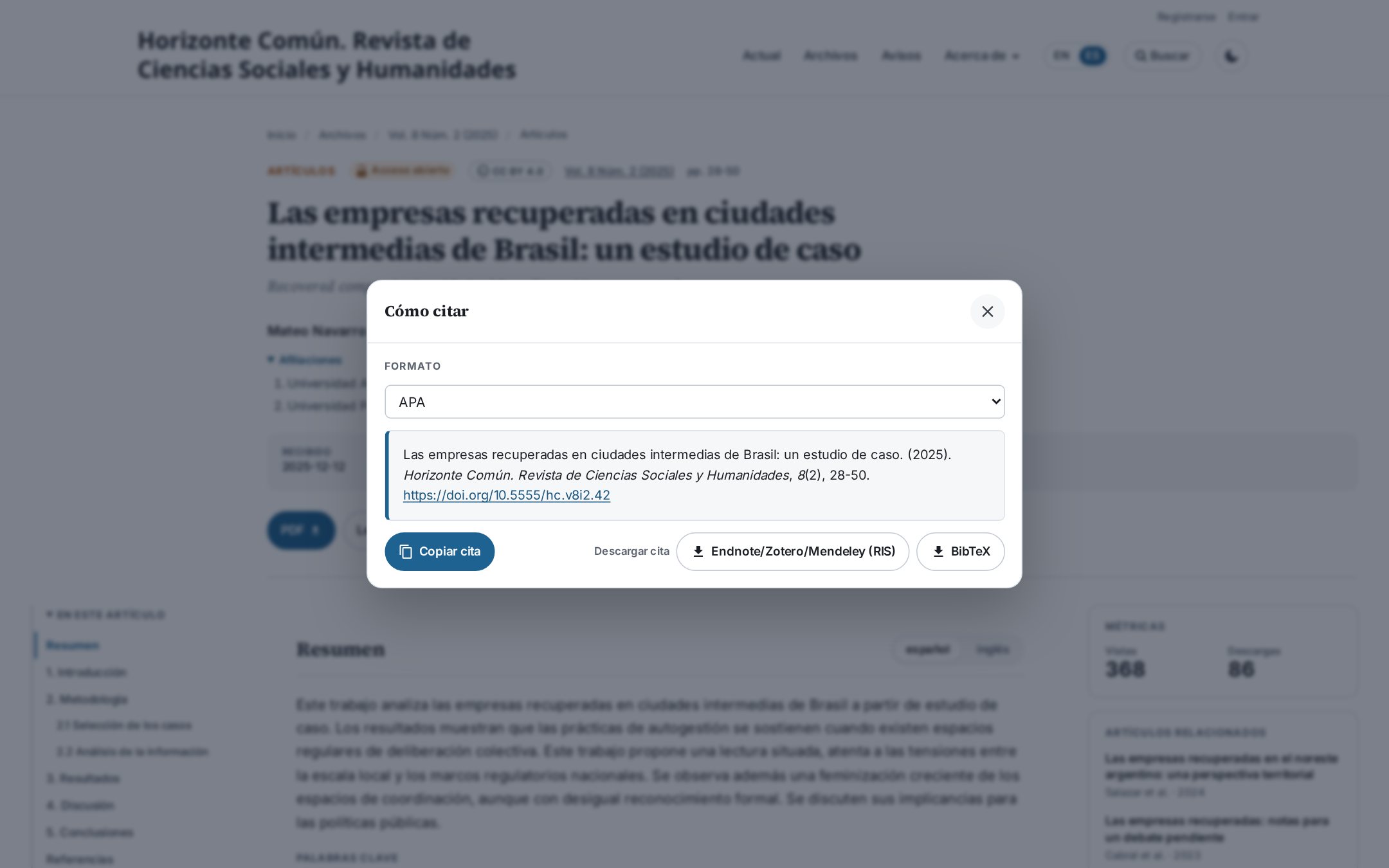
Dialog with the Citation Style Language plugin formats, copy button and RIS and BibTeX downloads.
Continuous publication
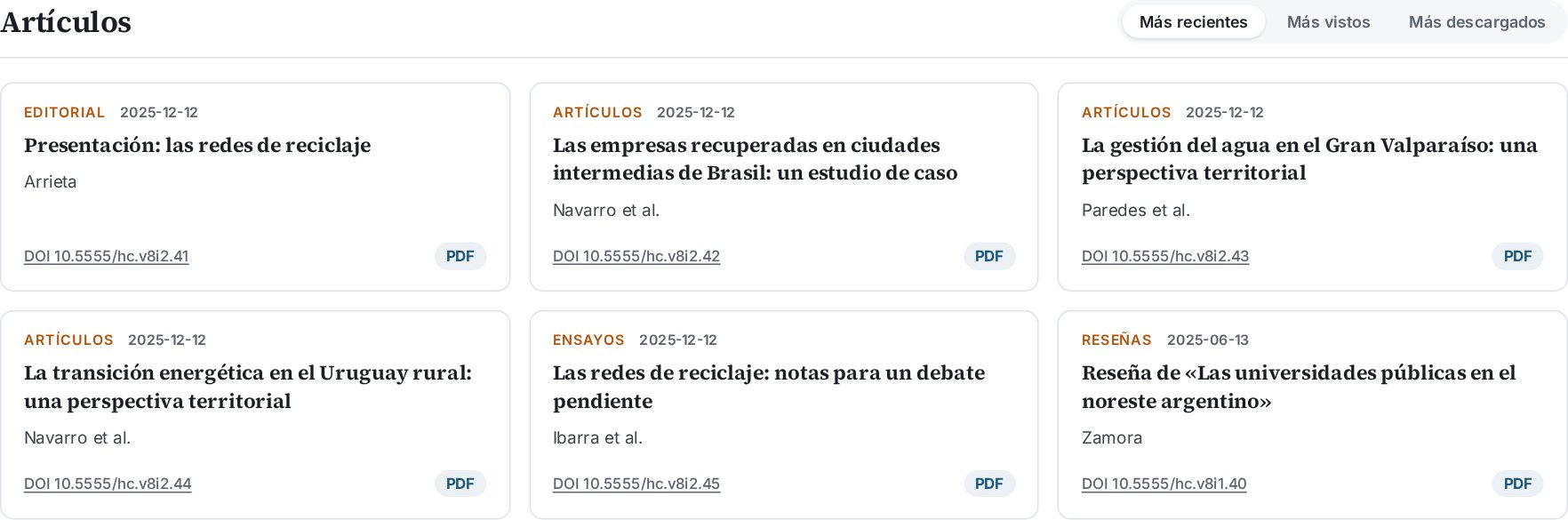
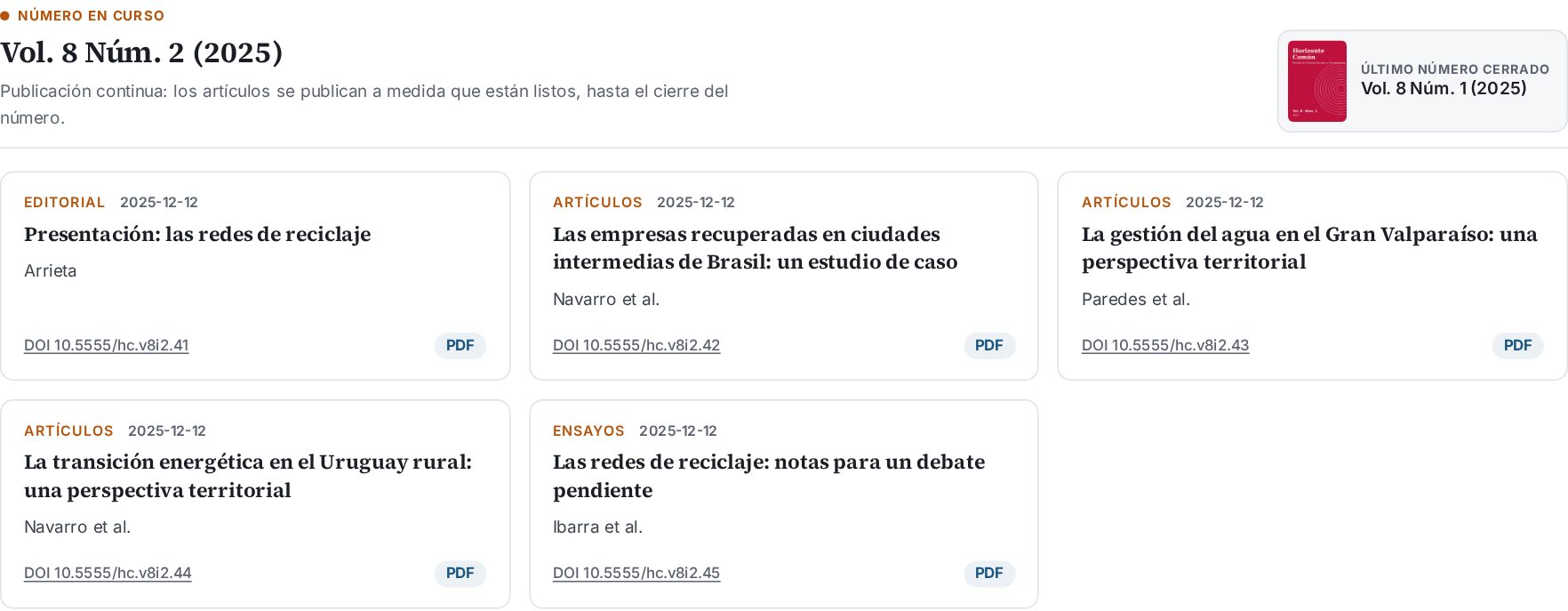
The home page shows the open issue, newest articles first, and the last closed issue.
Indexed in
15 indexes ready to enable with a checkbox (Scopus, WoS, DOAJ, SciELO, Redalyc, Latindex…) plus your own logos.
SEO
JSON-LD, Open Graph, canonical link and the full-text URL for Google Scholar.
Cited by and related
Citations from OpenAlex and related articles by keyword, without the search index or slow plugins.
Announcements and cookies
Announcement cards, an optional bar with the latest announcement and a cookie notice with editable text.
Accessible and light
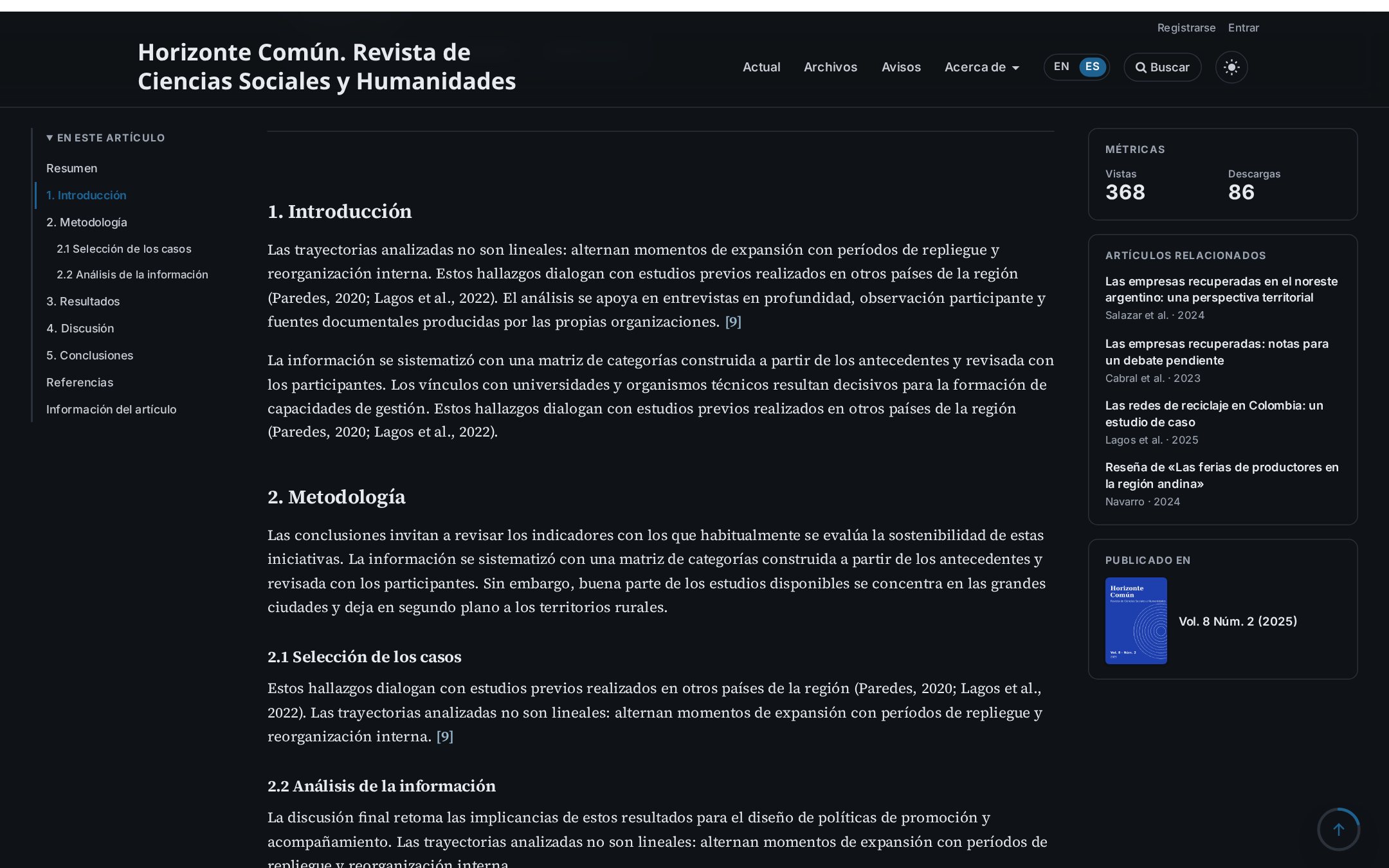
Local fonts, no third-party scripts, keyboard navigation, dark mode, mobile and print.
Installation
In five minutes
- Download
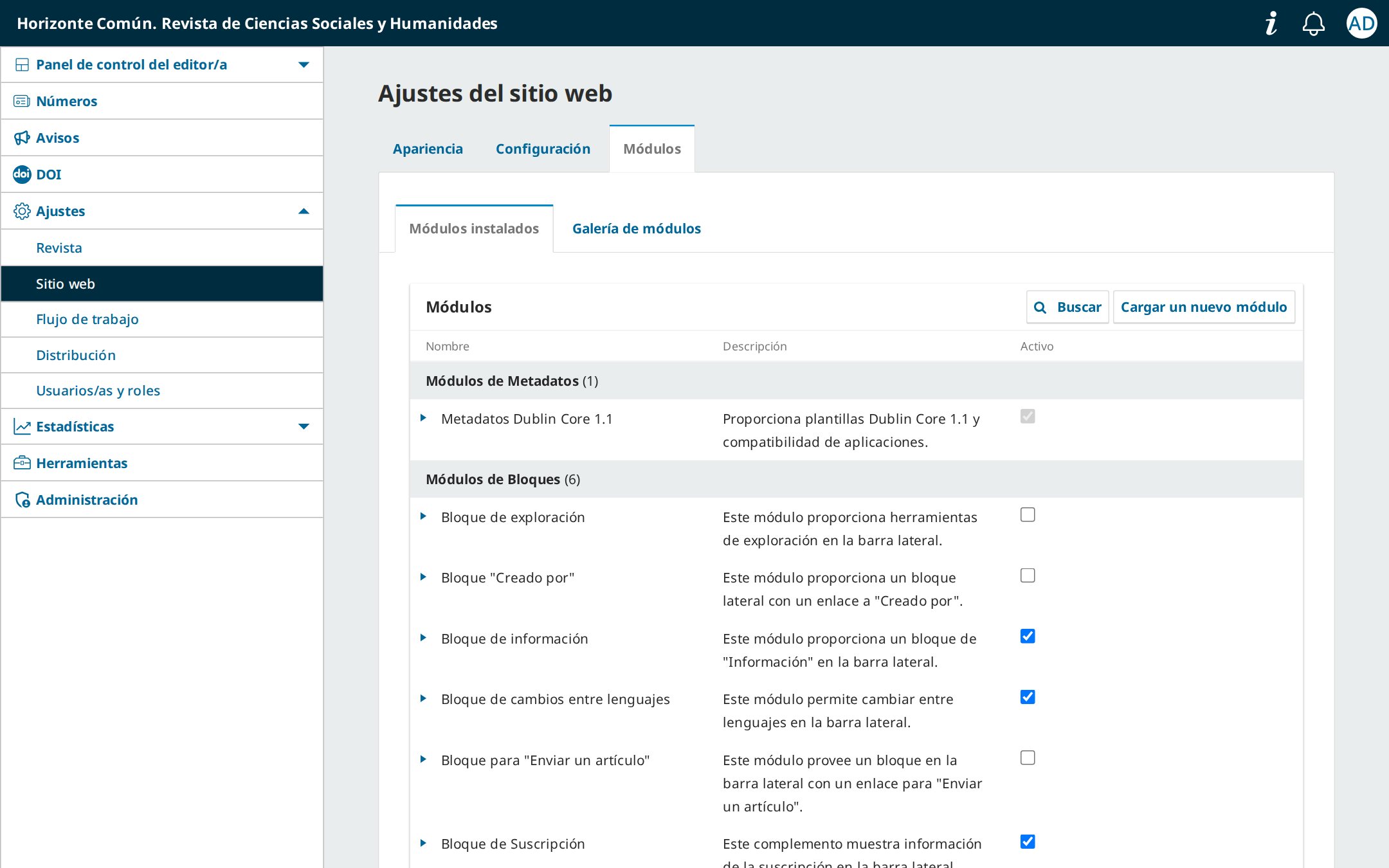
paideia-x.y.z.w.tar.gzfrom the releases page. Do not unpack it. - In OJS go to Settings → Website → Plugins and use Upload a new plugin.
- In Settings → Website → Appearance → Theme choose Paideia and save.
To install from the command line: copy the folder to plugins/themes/paideia (the name must be paideia) and run php lib/pkp/tools/installPluginVersion.php plugins/themes/paideia/version.xml.
To update, upload the new package the same way: OJS recognizes it as a newer version and keeps your settings.
Settings
Everything from Appearance → Theme
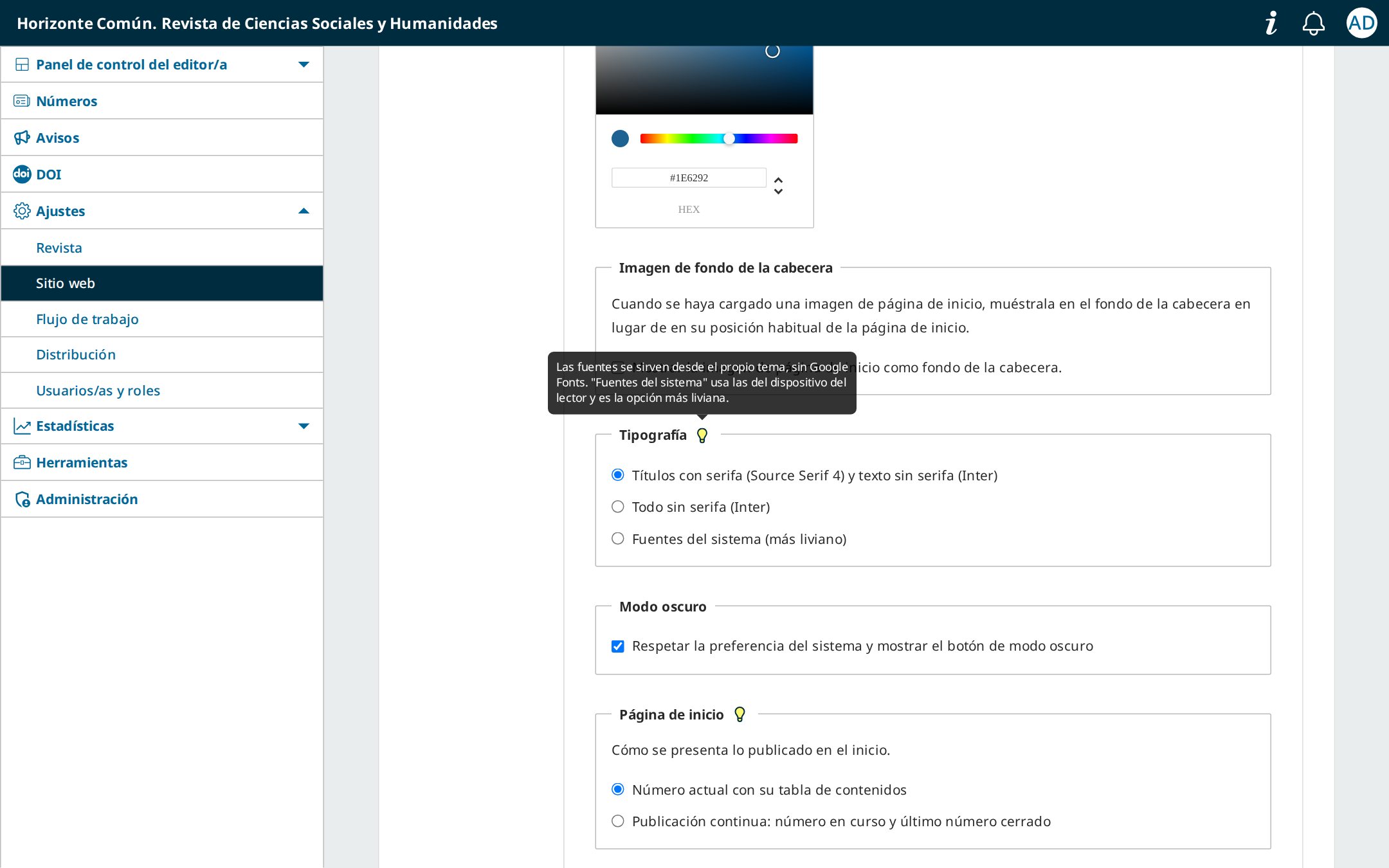
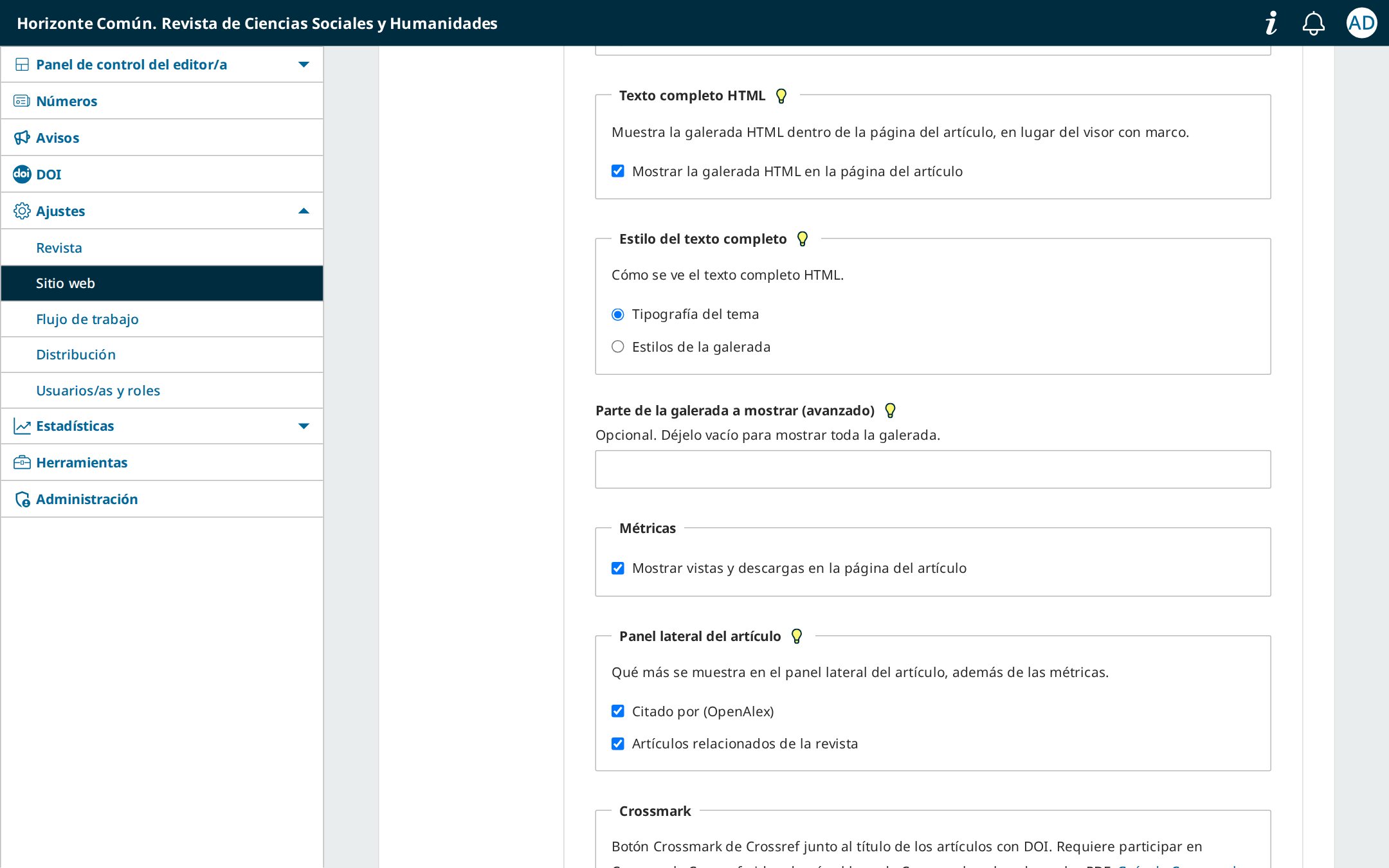
Each option has a short description. Those that need more detail show a light bulb: hover over it to read the explanation. Options that depend on another one appear only when that one is enabled.
Design and home page
- Primary colour: header, buttons, links and tabs.
- Typography: serif and sans serif, sans serif only, or system fonts.
- Home page: current issue with its table of contents, or continuous publication.
- Tabs with most viewed and most downloaded, and the announcement bar.
Indexing
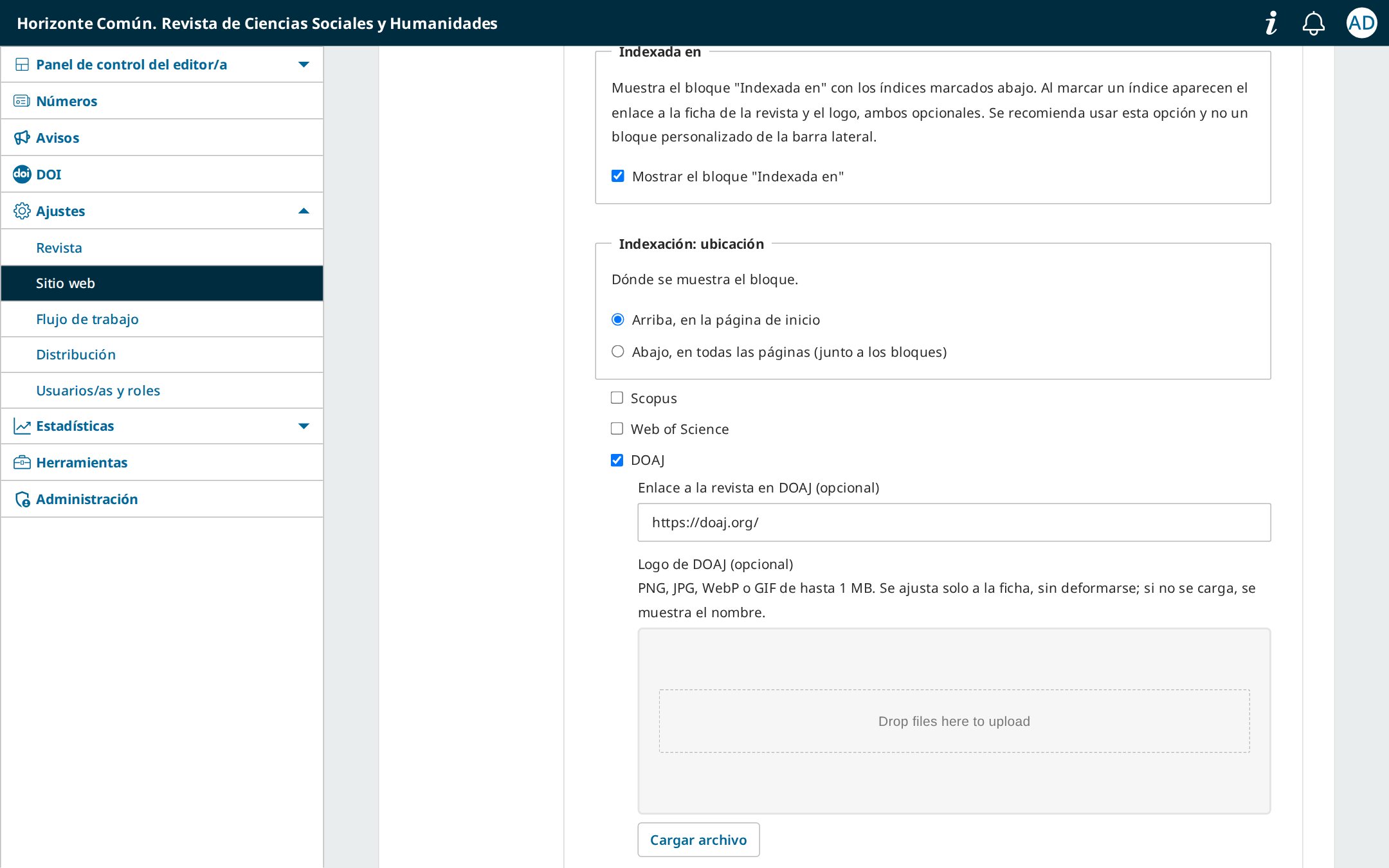
- Tick the indexes that list the journal; ticking one shows fields for the link to its record and for uploading its logo. The logo is fitted to the tile automatically; without a logo, the name is shown.
- For other indexes, add the logo and link under Other indexes.
- Choose whether the block goes at the top of the home page or at the bottom of every page.
Use this option rather than a custom sidebar block: the theme takes care of the design and keeps the logos aligned.
Article
- HTML full text inside the page and its style (theme typography or the galley's own).
- Galley section (advanced): to skip headings the galley repeats.
- Metrics, Cited by, related articles, Crossmark and SEO metadata.
| Option | What it does | Default |
|---|---|---|
| Primary colour | Header, buttons, links and tabs | Blue |
| Typography | Source Serif 4 + Inter, Inter only, or system fonts | Serif + sans serif |
| Dark mode | Follows the system preference and shows a toggle | On |
| Home page | Current issue or continuous publication | Current issue |
| Article tabs | Most viewed and most downloaded (last 12 months) | On |
| Announcement bar | Latest announcement above the header | Off |
| Indexing | Predefined indexes, own logos and position | Top of home page |
| HTML full text | HTML galley inside the article page | On |
| Side panel | Cited by (OpenAlex) and related articles | Both |
| Crossmark | Crossref button next to the title | Off |
| Footer | 2, 3 or 4 columns and a column with the journal details | 3 columns |
| Cookie notice | Notice with a privacy link and editable text | Off |
Tour
How it looks
Screenshots come from a test journal. To browse the real interface, running OJS 3.5: open the demo journal →
The screenshots show the Spanish interface; the theme follows the language chosen by the reader.
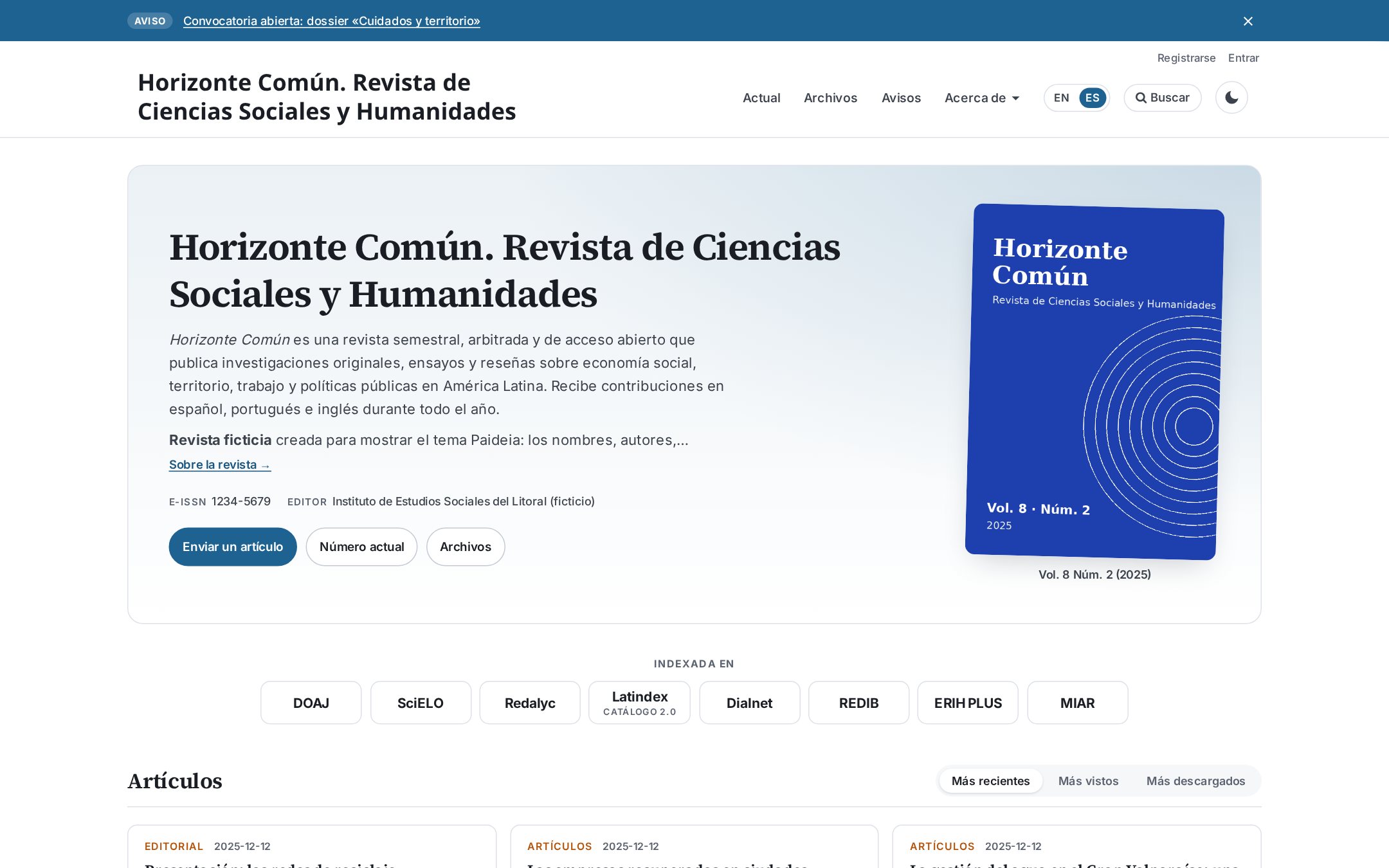
Home page
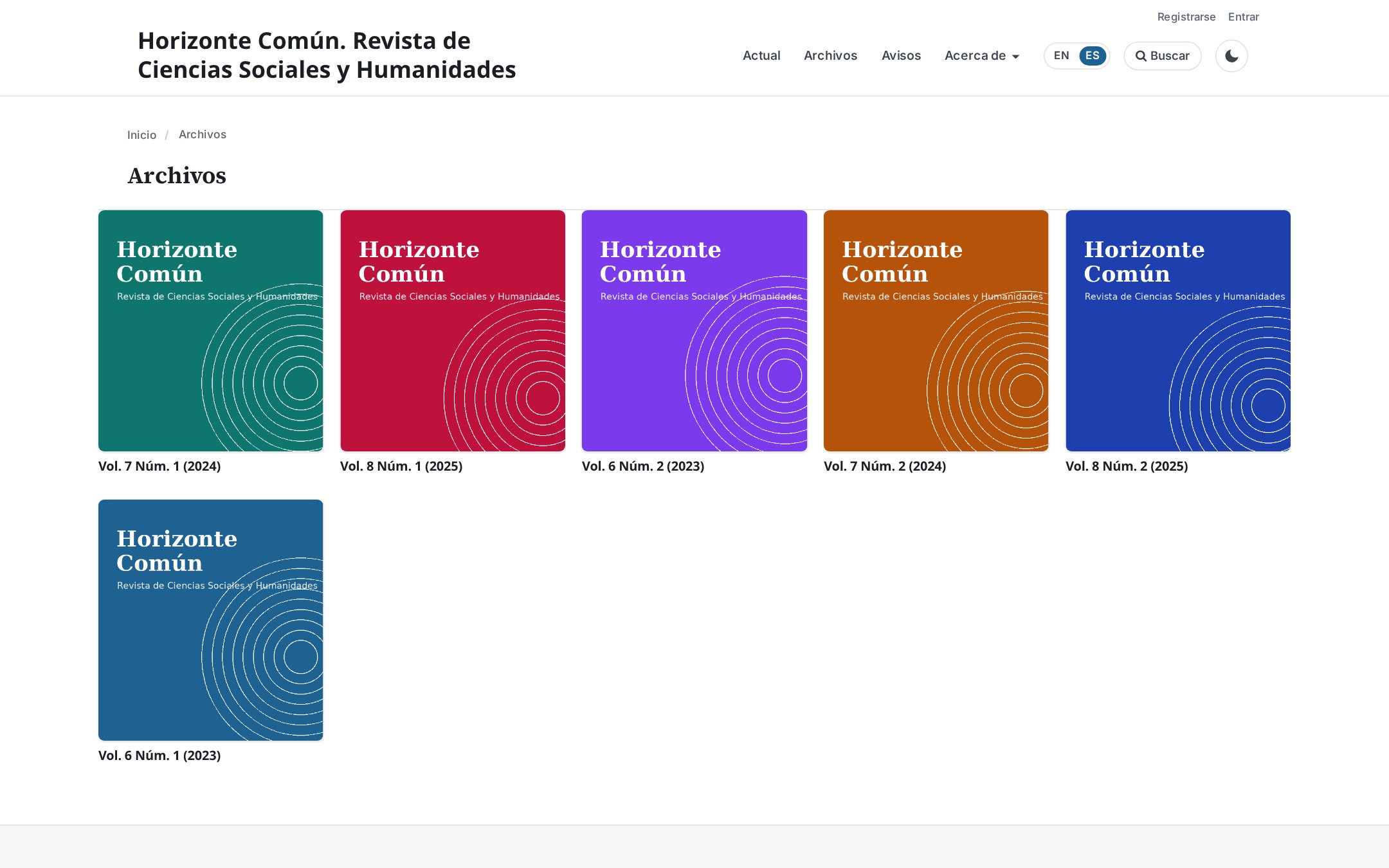
Cover area with the description, ISSN, publisher and issue cover. Below it, the Indexed in block and the article tabs: latest, most viewed and most downloaded.

Continuous publication
The current issue is presented as an open issue: articles are published as soon as they are ready, newest first, until the next issue is published. Next to it, the last closed issue.
Announcements
Announcements on the home page are shown as cards. Optionally, the latest one also appears in a bar above the header, which readers can close.

Article page
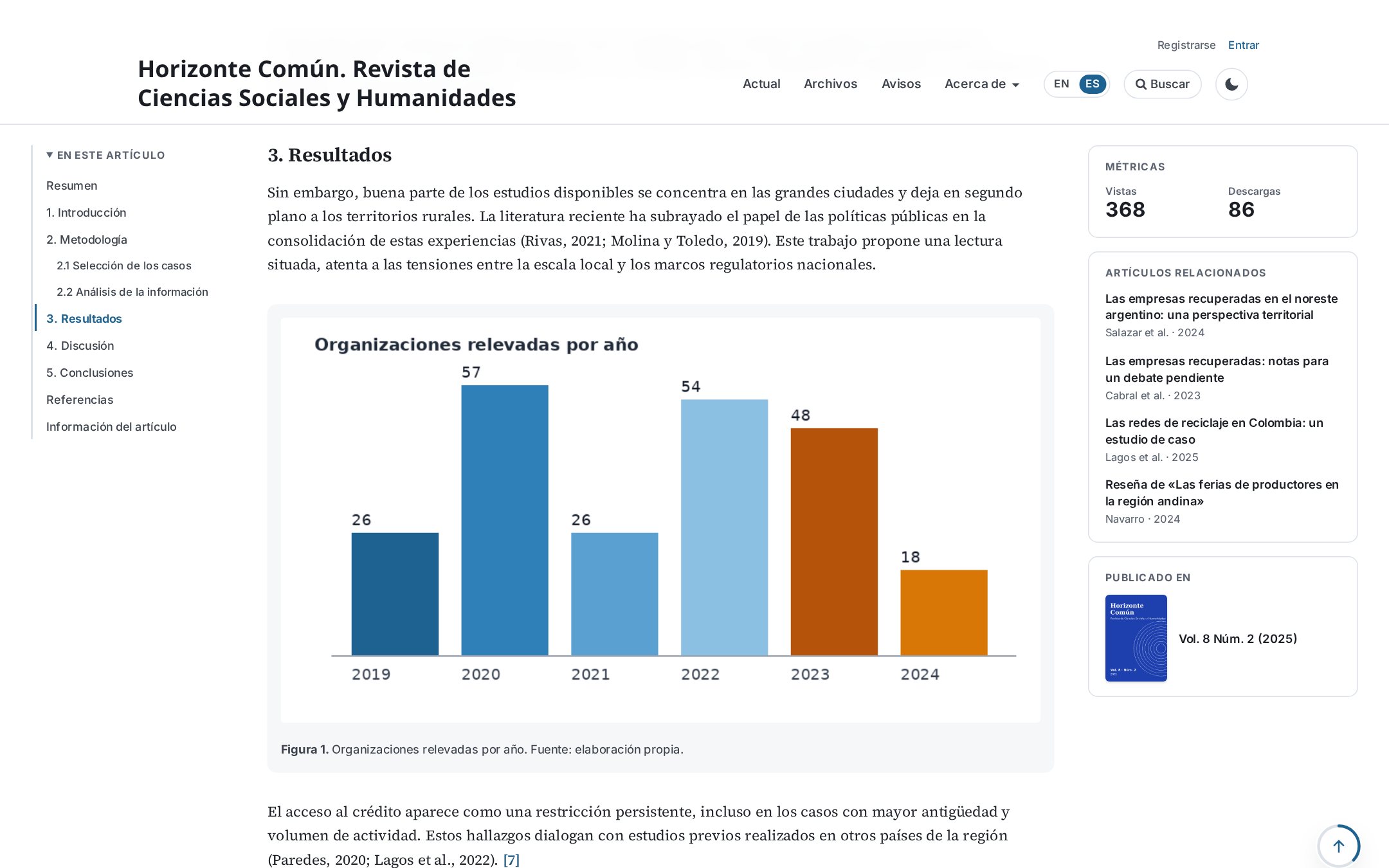
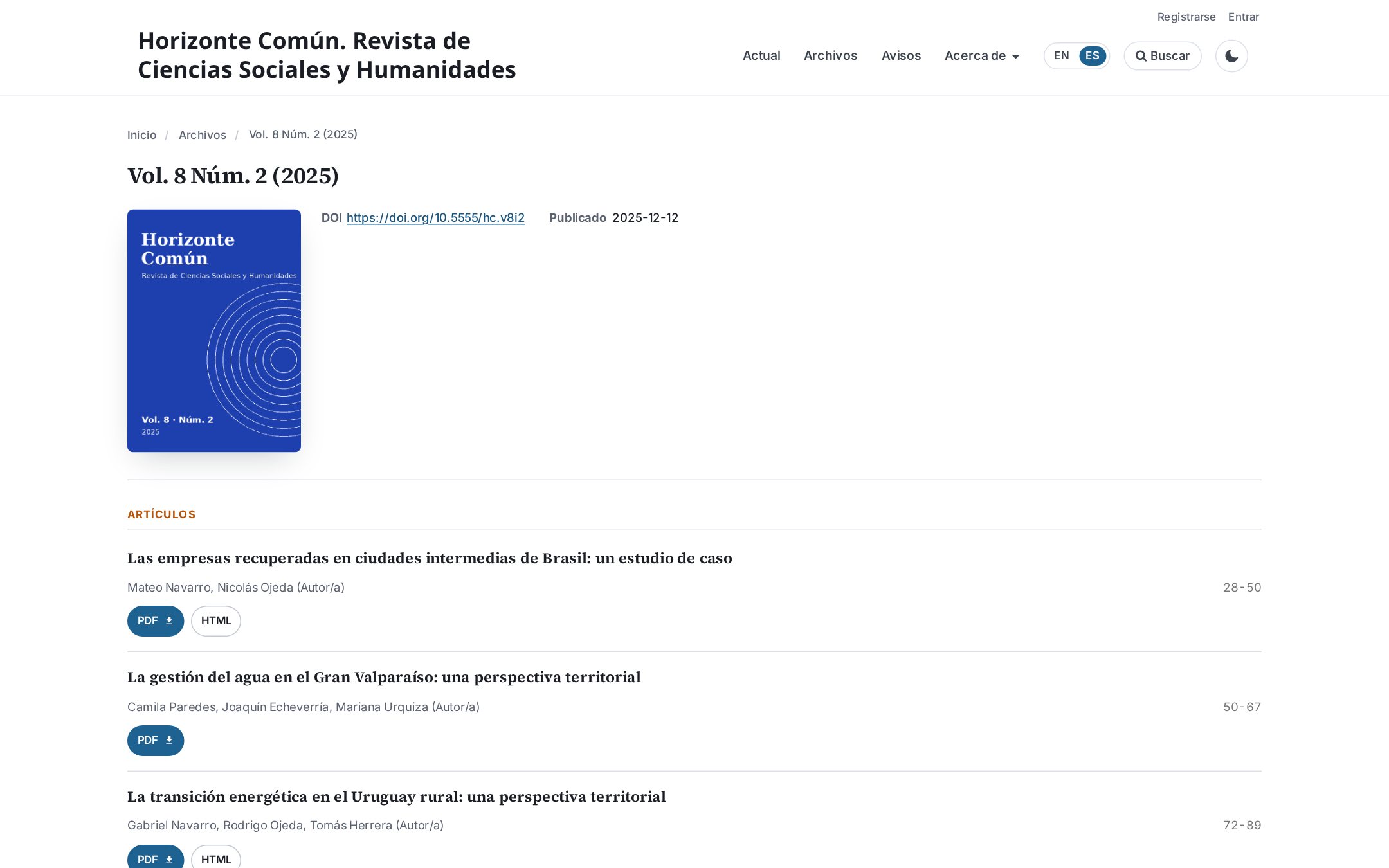
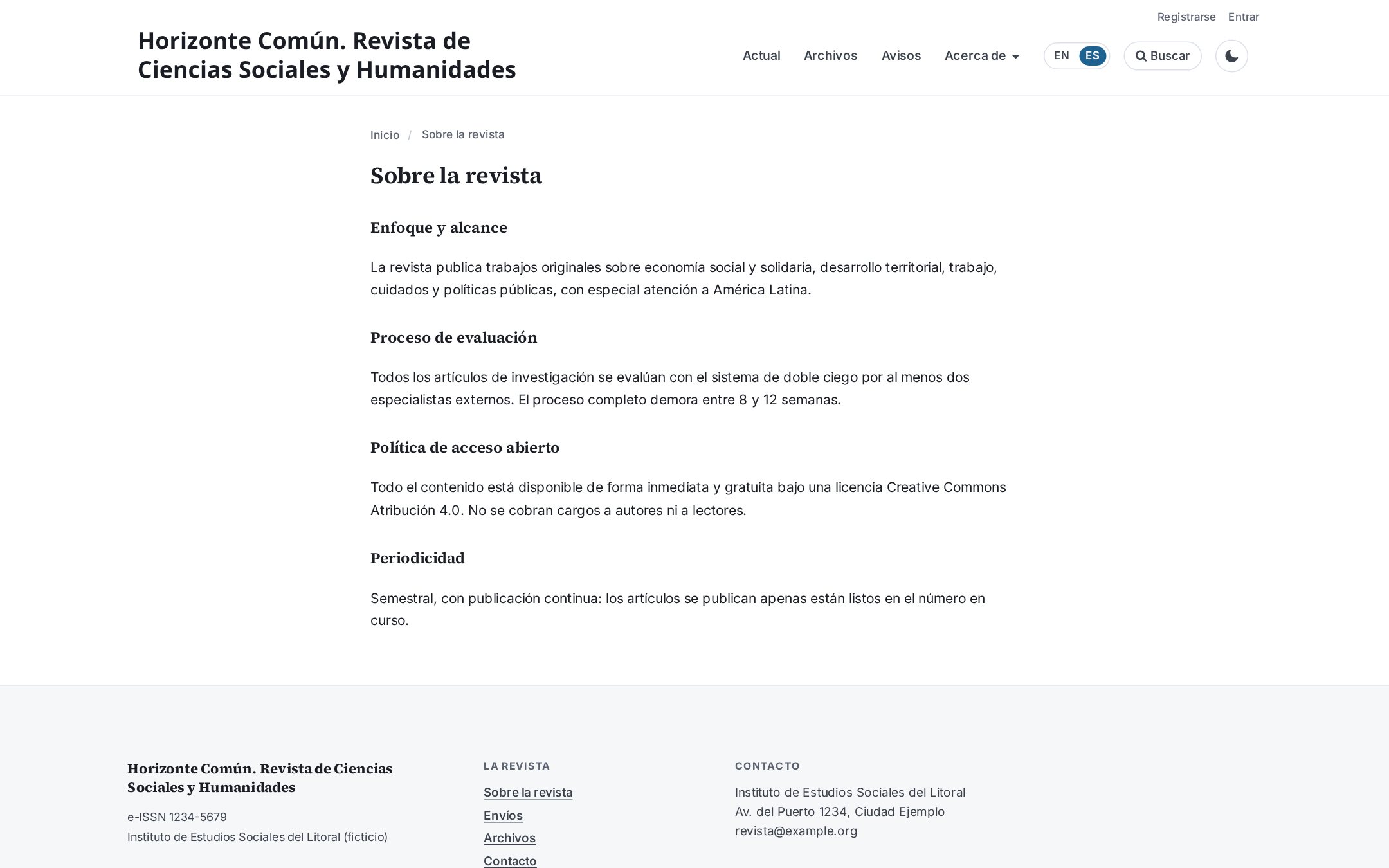
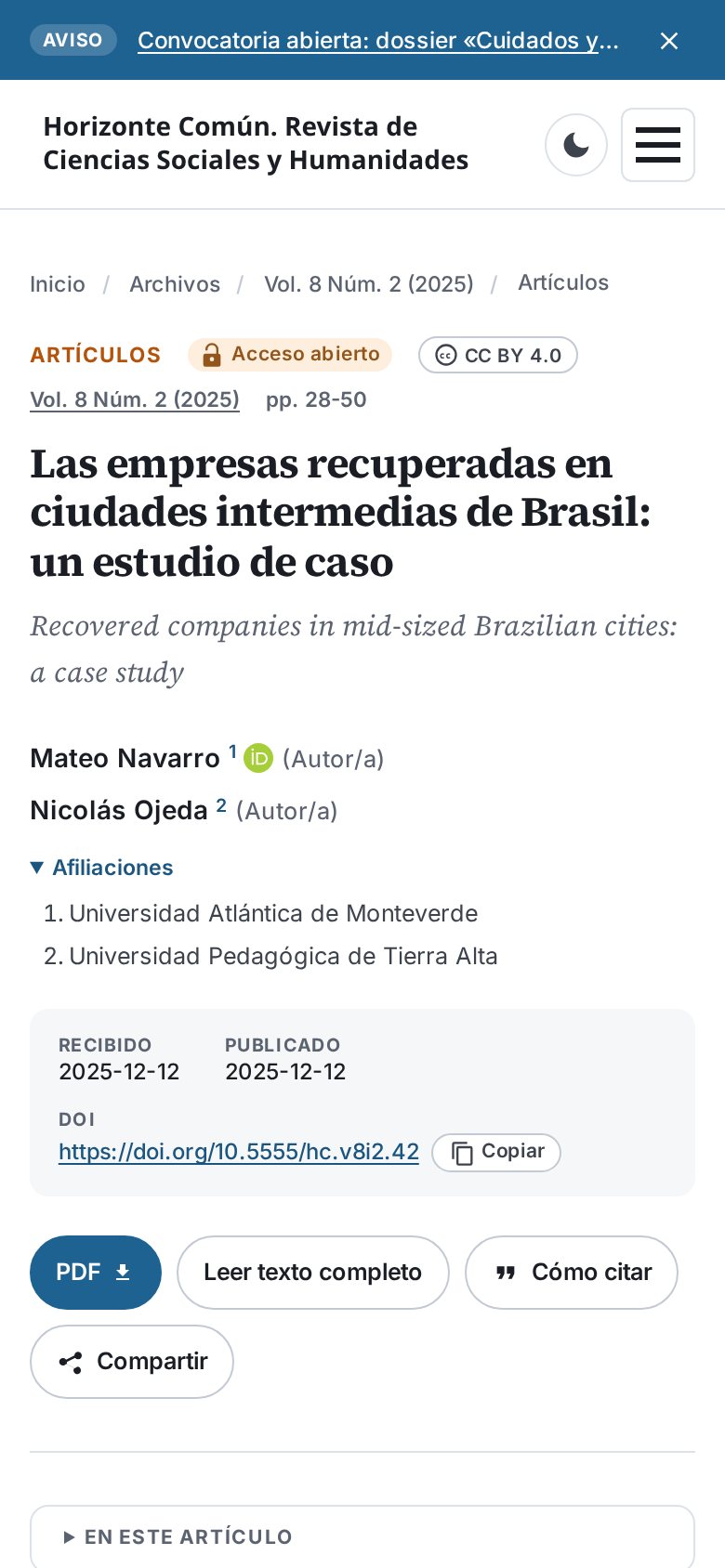
Header with section, open access, license and issue; authors with ORCID and affiliations; dates and DOI. Downloads and “How to cite” appear once, at the top. On the left, the article outline; on the right, metrics and related articles that follow the reader.
Footer and cookies
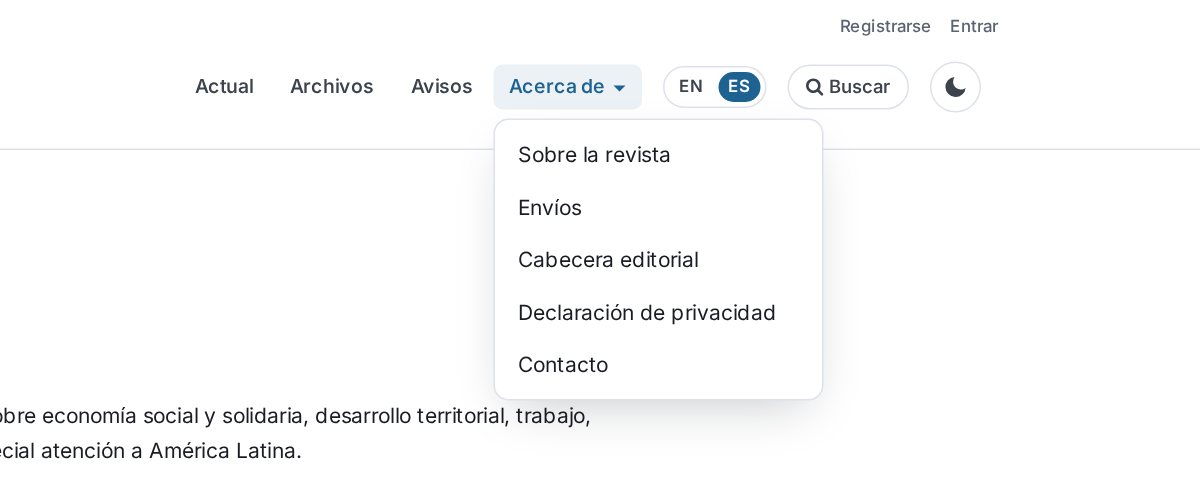
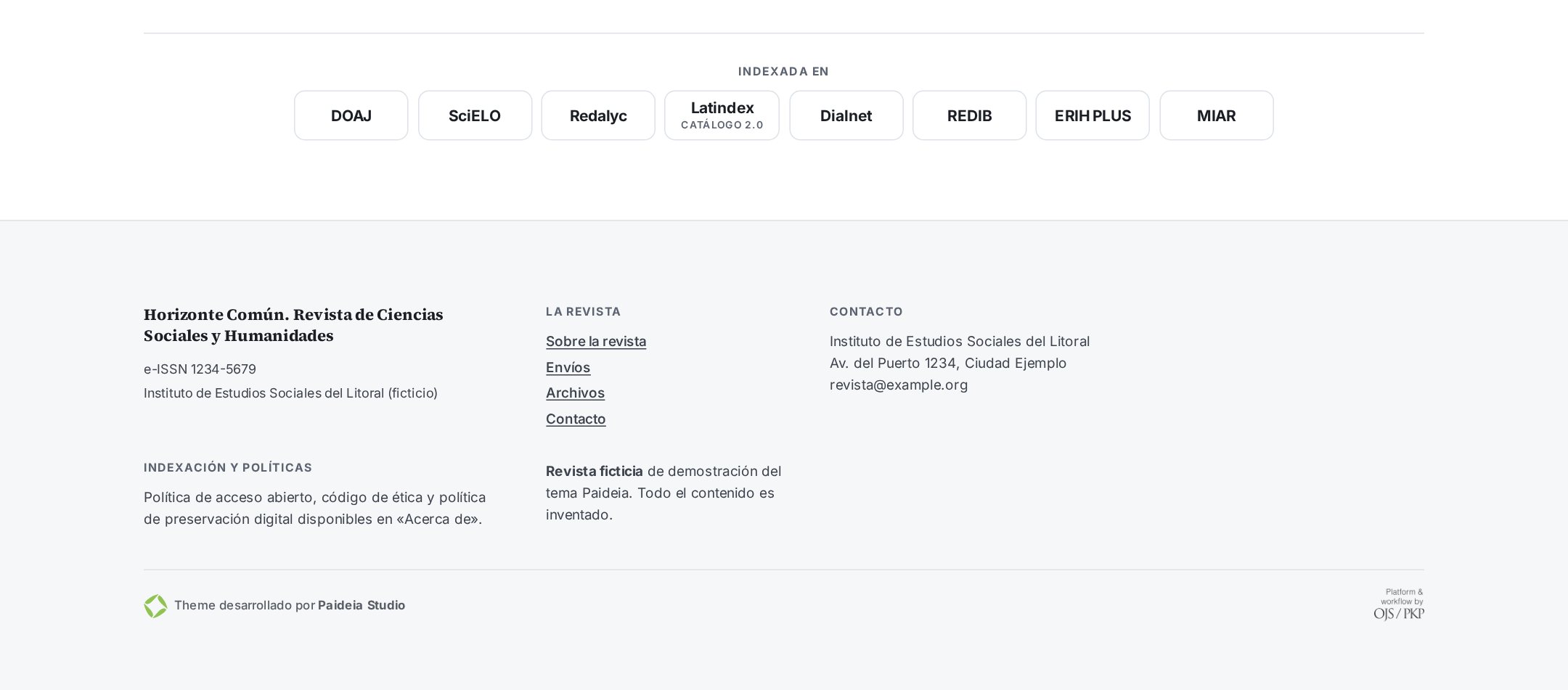
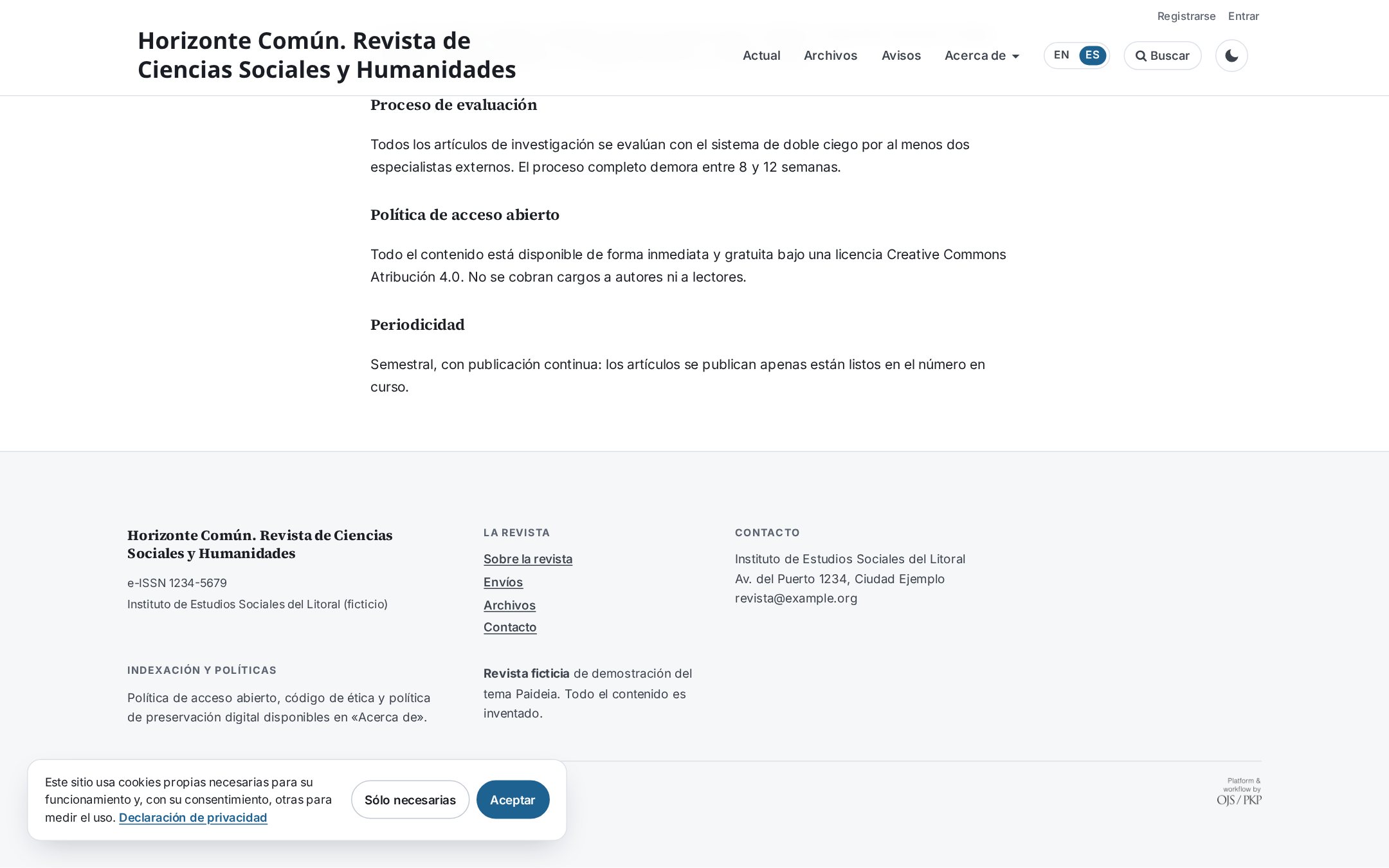
The footer is split into columns from the content the editor already enters in OJS: each horizontal rule starts a new column. The indexing block can go here, on every page.
The cookie notice is optional, links to the journal's privacy statement and its text can be changed in each language.
Mobile
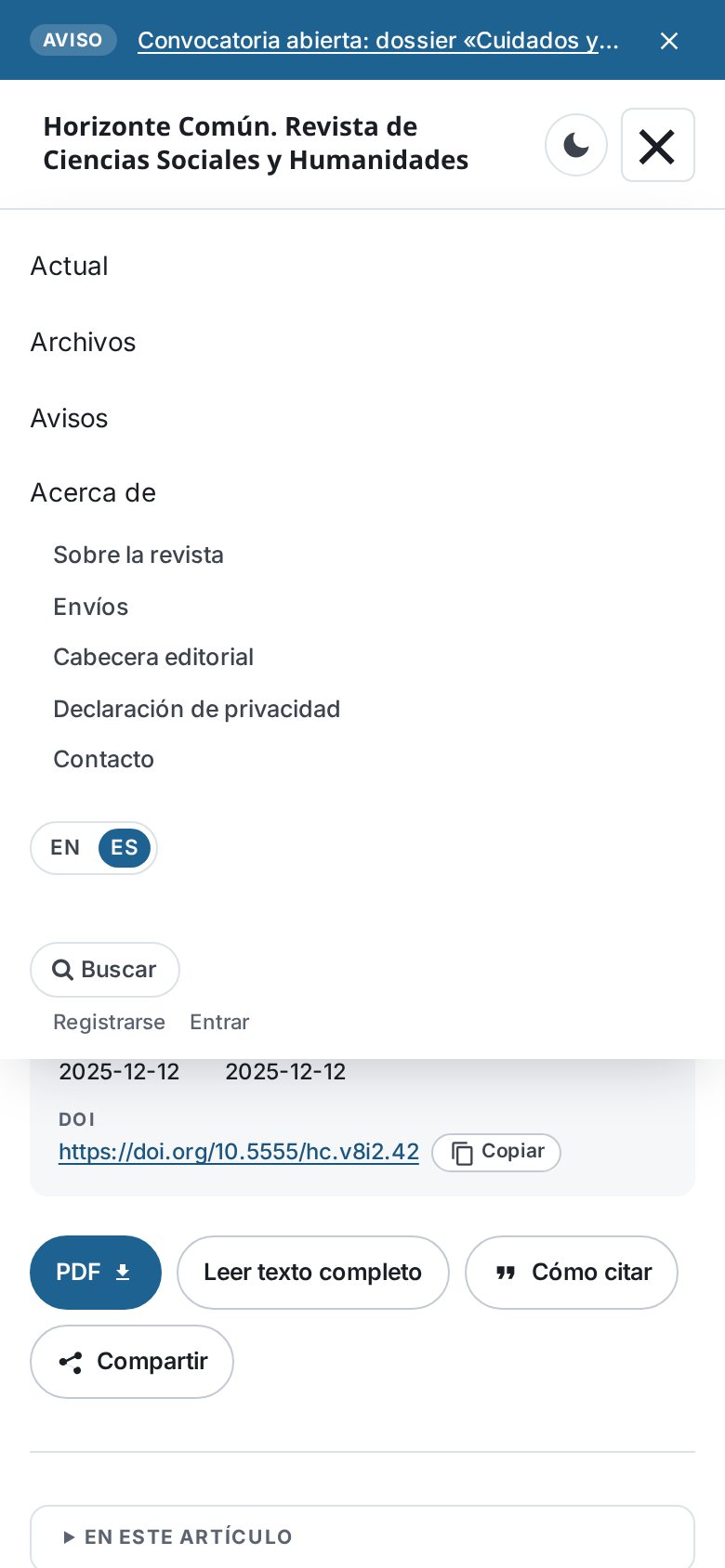
Compact header, drop-down menu and comfortable reading on small screens.

FAQ
Before you install
Is it free?
Yes. The theme is free software (GPL v3). The only thing the license asks is to keep the “Theme developed by Paideia Studio” credit visible in the footer. If it is hidden, the theme switches itself off in the browser. The annual support plan is optional.
Does it work with my OJS version?
With OJS 3.4 and 3.5. It requires PHP 8.0 or later (8.2 for OJS 3.5). It does not work with OJS 3.3.
Will I lose anything I already set up?
No. The theme uses the footer, menus, blocks and announcements already entered in OJS. If you switch back to the Default theme, everything stays in place.
Do I need an HTML galley?
No. Without an HTML galley the article page shows the abstract, references and PDF button. With an HTML galley, the full text is read inside the page.
Should I use a sidebar block for indexing logos?
Better not: add the indexes in the theme options. Sidebar blocks need their own HTML and styles; the theme's “Indexed in” block looks tidy without any code.
Does the cookie notice block Google Analytics?
It does not block scripts by itself. It stores the reader's choice and fires the pdt:cookies event, so analytics or other services can wait for consent.
Does it send data to third parties?
Fonts are local and there are no third-party scripts. Only when enabled: “Cited by” queries OpenAlex from the server (sending only the DOI) and Crossmark loads the Crossref script.
How do I set up the footer columns?
The footer is written where it always is: Settings → Website → Appearance → Setup → Page footer. The editor has no horizontal-rule button, so open the source code with the <> button and type <hr> between columns. For example, three columns:
<h4>Contact</h4>
<p>Example Institute · journal@example.org</p>
<hr>
<h4>Policies</h4>
<p>Open access, ethics and preservation.</p>
<hr>
<h4>License</h4>
<p>Content under CC BY 4.0.</p>
Without rules but with two or more headings, each heading starts a column. The column with the journal name, ISSN, publisher and links is added by the theme (theme option “Footer”): no need to repeat it. “Footer columns” sets how many fit in a row; extra ones move to the next row.
Is there a warranty?
It is provided as is, without warranty of any kind, under sections 15 and 16 of the GPL v3 license. Test each new version on a copy of your OJS before using it on the journal and keep backups. The journal is responsible for its privacy statement and for how it uses the cookie notice. The annual support plan is a separate service and does not change this condition of the software.
How do I report a bug or a security issue?
Report bugs on GitHub, with the theme and OJS versions and steps to reproduce. Security issues should not be published: use private reporting or write to Paideia Studio.
Support
Annual support plan
The theme is free. If your journal needs a hand, the annual plan includes:
- Installation of updates, tested on your OJS.
- Help with bugs.
- Advice on installation and use.
It is also linked from the theme options in the OJS dashboard.
Found a bug in the theme? Report it on GitHub with your OJS version and steps to reproduce.
Something else? Migrations, HTML and JATS galleys, hosting and managed updates.